301 redirects and the 404 monitor: keep your old addresses working
Every page Google has seen once has its address recorded somewhere: in search results, in links from other sites, or in a message a customer sent a friend. If that address changes and nothing points to the new one, the visitor lands on a «not found» page (a 404 error), and the standing the page had built up on Google is lost too. A 301 redirect tells browsers and Google that the page has moved to the new address for good; Google's guide to redirects explains the same.
1. Redirects made for you
If you change the address (slug) of a published post or page, Sima makes a 301 redirect from the old address to the new one by itself. Change it again and no chain builds up: the first address also goes straight to the latest one. A draft that was never published gets no redirect, because nobody has its address.
If you moved your site from WordPress, the usual WordPress address shapes are handled too: nested categories, /page/2 pages, /wp-content/uploads/… images and the WordPress sitemap. Any redirect you make yourself comes first.
2. Adding a redirect by hand
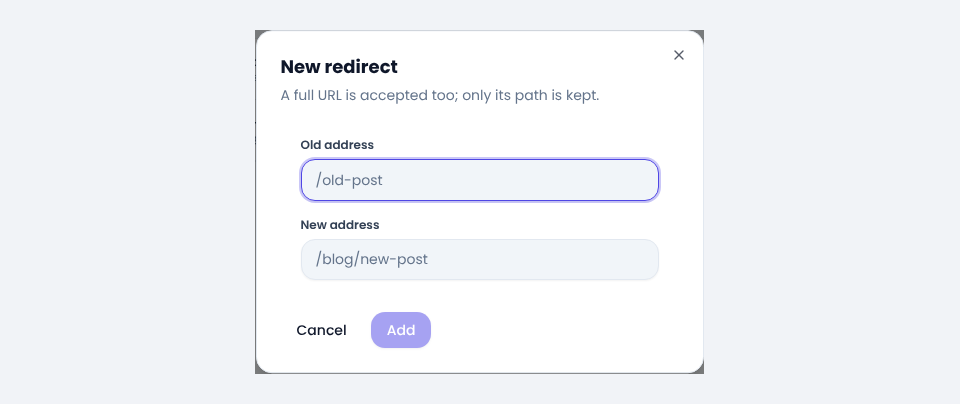
Under SEO → Redirects, press New redirect. Put the old address in the first box and the new address in the second. Pasting a full address with the domain is fine; only its path is kept.
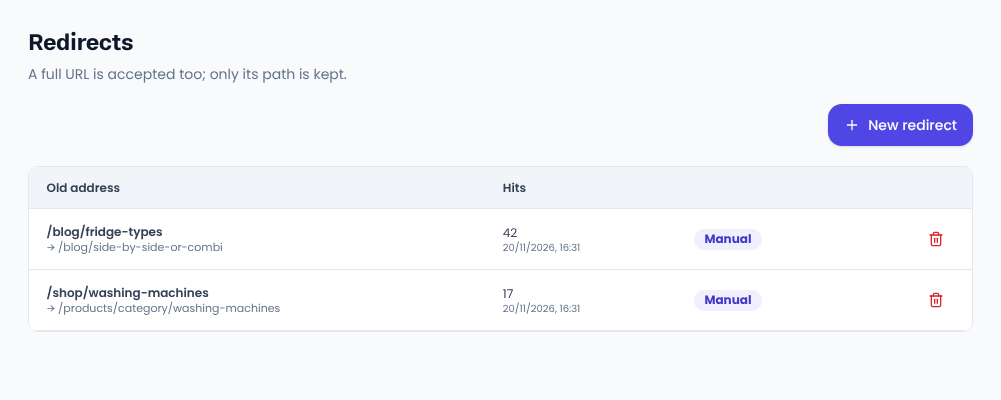
The list shows how many times each redirect has been used and when it was last used. A redirect nobody has followed for a long time can be deleted.
A redirect only goes to a page on this site; another site's address is refused. If a new redirect would close a loop with an earlier one (A to B and B to A), Sima fixes it and shows you which redirect changed.
3. The 404 monitor: addresses that were not found
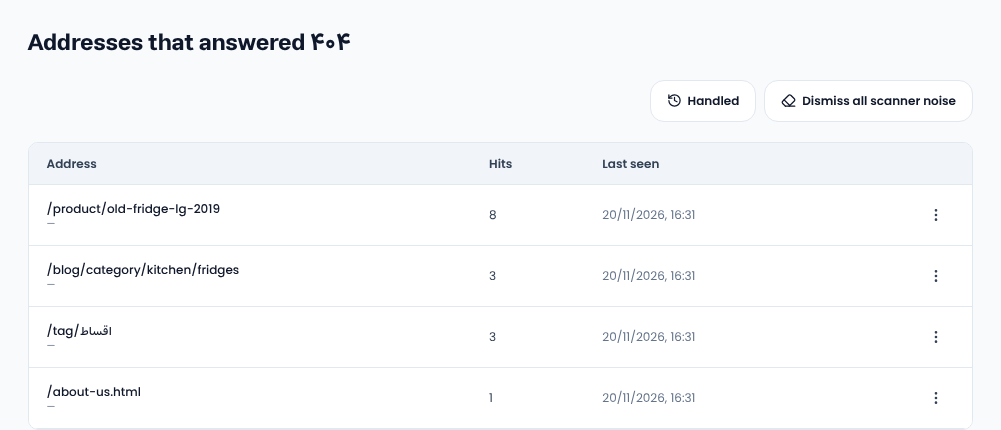
Every time someone reaches an address on your site that does not exist, it is recorded under SEO → 404 monitor, with the number of hits and the last time. Fix the ones with the most hits first; something probably links to them.
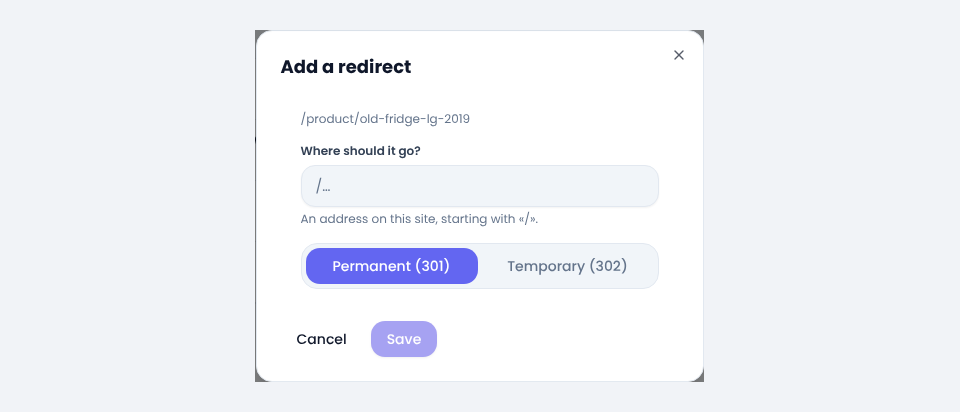
From a row's three-dot menu choose Add a redirect, enter the destination and pick the type: Permanent (301) for a page that has moved for good, Temporary (302) for one that will come back. The redirect goes straight into the same Redirects list.
Not every 404 is worth a redirect. Bots probing for the usual addresses of other kinds of site make 404s too. Remove those with Dismiss, or all at once with the button that dismisses all scanner noise. Dismissed ones stay under the resolved list.
Common questions
What happens if I change a product's address?
If no automatic redirect was made for it, the old address shows up in the 404 monitor after its first visit and you make its redirect in one click. If you know ahead, add it at once with New redirect.
Is 301 or 302 better?
Almost always 301. With a 301, Google passes the old page's standing to the new address. A 302 is only for a short move.
Comments
Sign in to leave a comment.
Sign inLoading…