Contact forms and form responses
A contact form lets a visitor reach you without picking up the phone: a question, a quote request or a booking for advice. In Sima the form is a page builder block and its responses collect in your own site's panel.
Building a contact form
- Open a page such as Contact in the page builder (see “Building pages with the page builder”). The ready-made “Contact us” page already has a form.
- Drag the Form block onto the page.
- Add the questions: name, email, phone, message or anything else. Any question can be required.
- Save the page.
If a required question is left empty, or an email or phone number is not valid, the form says why beside that question and is not sent. Phone numbers in Persian digits are accepted too.
Reading the responses
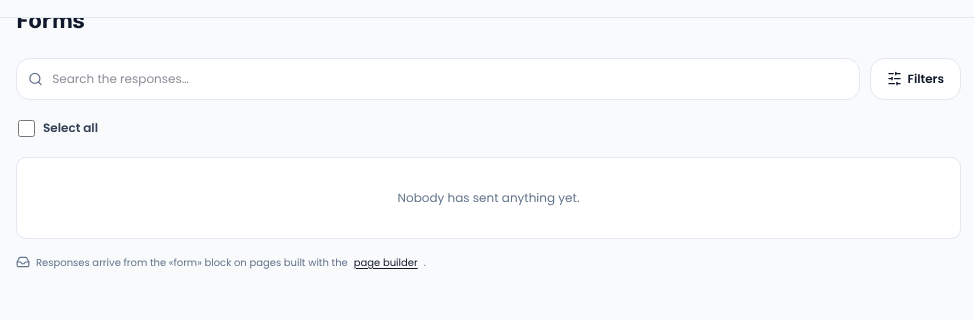
Responses arrive under Content → Forms. Search and filters find a particular one. Each response keeps the wording of the questions the visitor saw, so changing the form later loses nothing.
Managers are told about each new response. Even with nothing wired for alerts, the response is stored and never lost.
Spam
Sima's forms have no CAPTCHA and ask nothing of the visitor. A hidden field and a minimum filling time catch bots instead. A bot is shown “sent”, but nothing is stored.
Privacy
The sender's IP address and browser are not stored, only the answers they wrote.
For forms people finish, see Nielsen Norman Group on web form design.
Comments
Sign in to leave a comment.
Sign inLoading…